SSI Workshop 2018 on Overleaf
Overview
Overleaf is happy to partner with the Software Sustainability Institute to provide 1 year of free Pro+ access to our LaTeX authoring tool, resources, templates and training materials to attendees of the Collaborations Workshop at Cardiff University, March 2018. The free Pro+ upgrades will run from the 23rd March 2018 to the 26th March 2019.
During the event, Overleaf Co-founder John Hammersley will give the Productivity Keynote on Monday 26th March, and later that day Vince Knight of Cardiff University will give a mini-workshop on Overleaf as a collaborative tool for scientific writing. We look forward to seeing you there!
Join a community of authors at SSI Workshop 2018
Ausgewählte LaTeX-Vorlagen
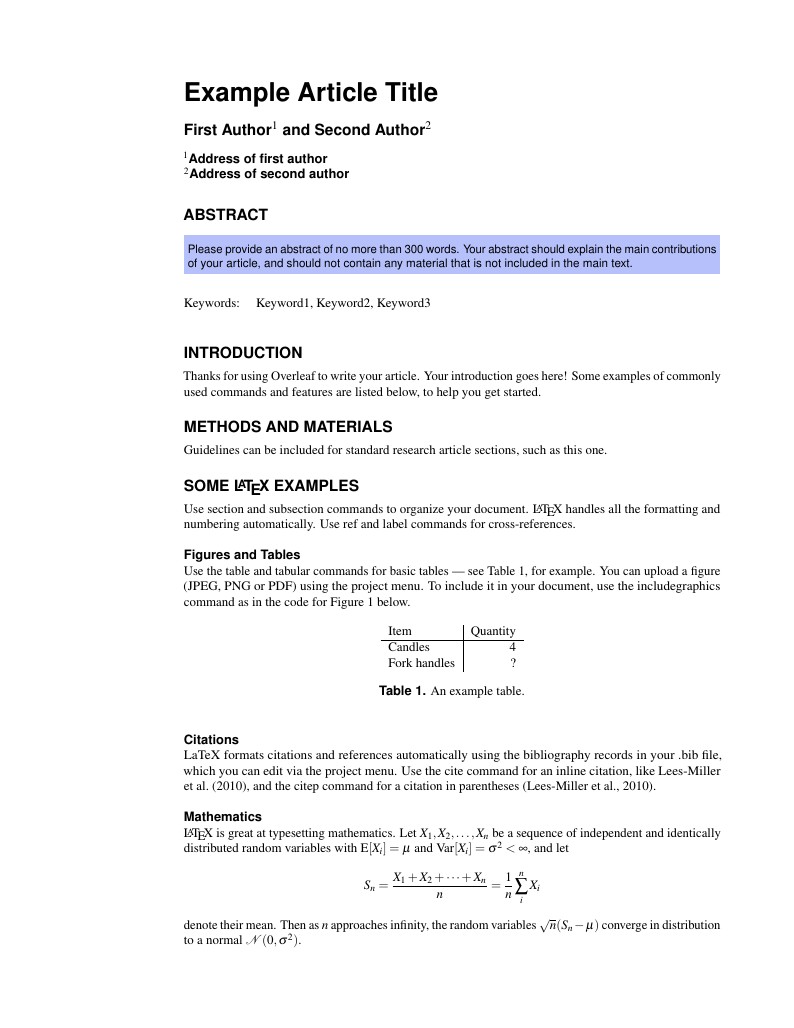
This is a basic journal article template which includes metadata fields for multiple authors, affiliations and keywords. It is also set up to use the lineno package for line numbers; these can be turned on by adding the 'lineno' option to the documentclass command.
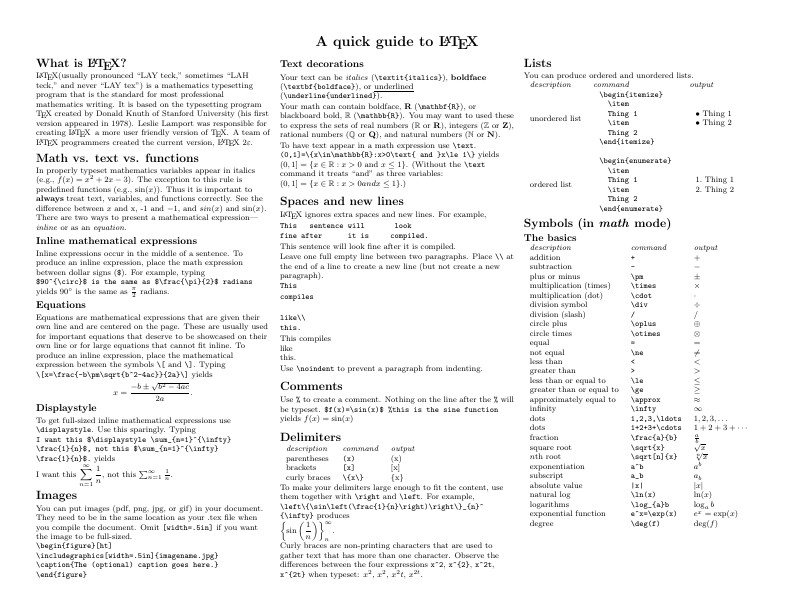
Know the LaTeX command you want to use but can't remember how to write it? Here we present a great tips sheet produced by Dave Richeson; it's pre-loaded in Overleaf so you can see how the commands work instantly. Simply click on the button above to open a version in Overleaf for editing (and to quickly copy and paste the commands you need!). For more comments visit this page on Dave's site, or if you'd like to work through a fuller introduction to LaTeX why not check out our free online course?
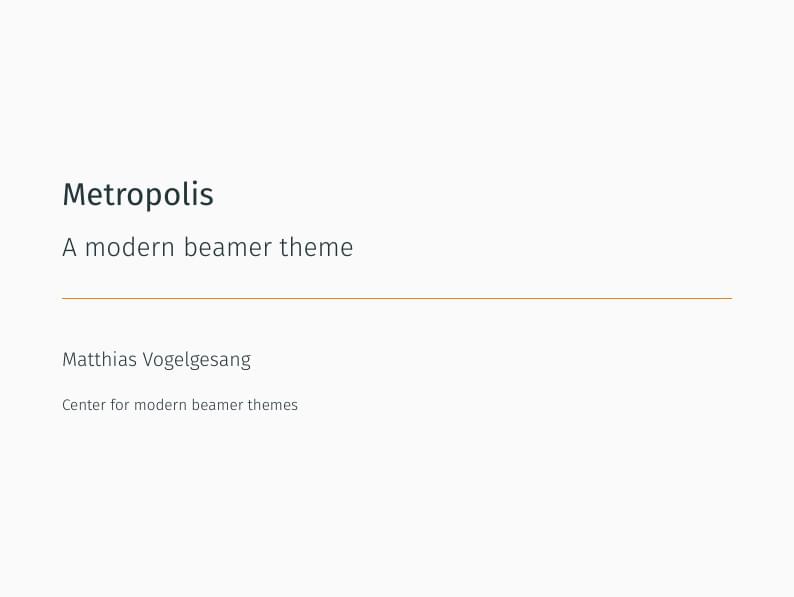
Metropolis is originally created by Matthias Vogelgesang and is available from https://github.com/matze/mtheme as well as CTAN. More information about the theme, including the design principles, can be found at http://bloerg.net/2014/09/20/a-modern-beamer-theme.html. This version demonstrates the use of a progress bar under the frame titles. See the manual for other customisation options.
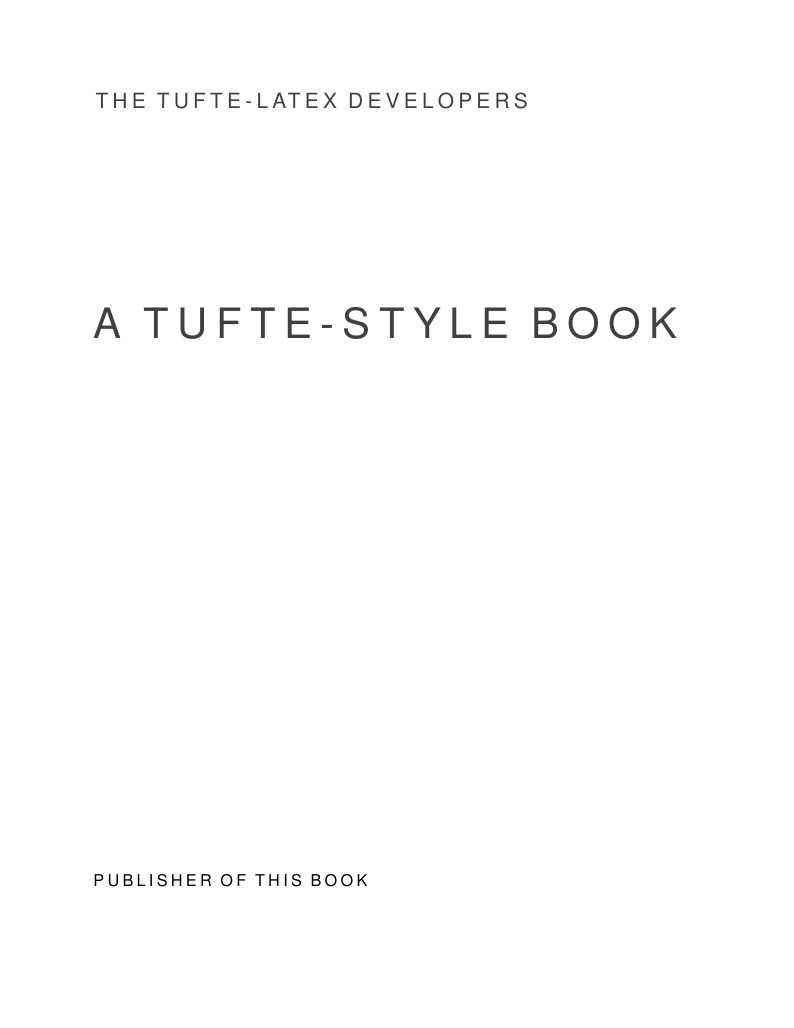
Edward Tufte is a pioneer in the field of data visualization, and his works inspired the creation of two LaTeX classes for books and handouts. Here we present the excellent sample book produced by the The Tufte-LaTeX Developers pre-loaded into Overleaf (formerly writeLaTeX) for you to use as a starting point for your own work. Simply click the button above to use Overleaf to create and edit your article - there's nothing to install and no sign up required. When you're finished, use our integrated publish to figshare option to publish your work freely online. Click here if you'd like to try the corresponding Tufte handout design on Overleaf. PS: If you're new to LaTeX, our free online LaTeX course covers all the steps you need to get you started.
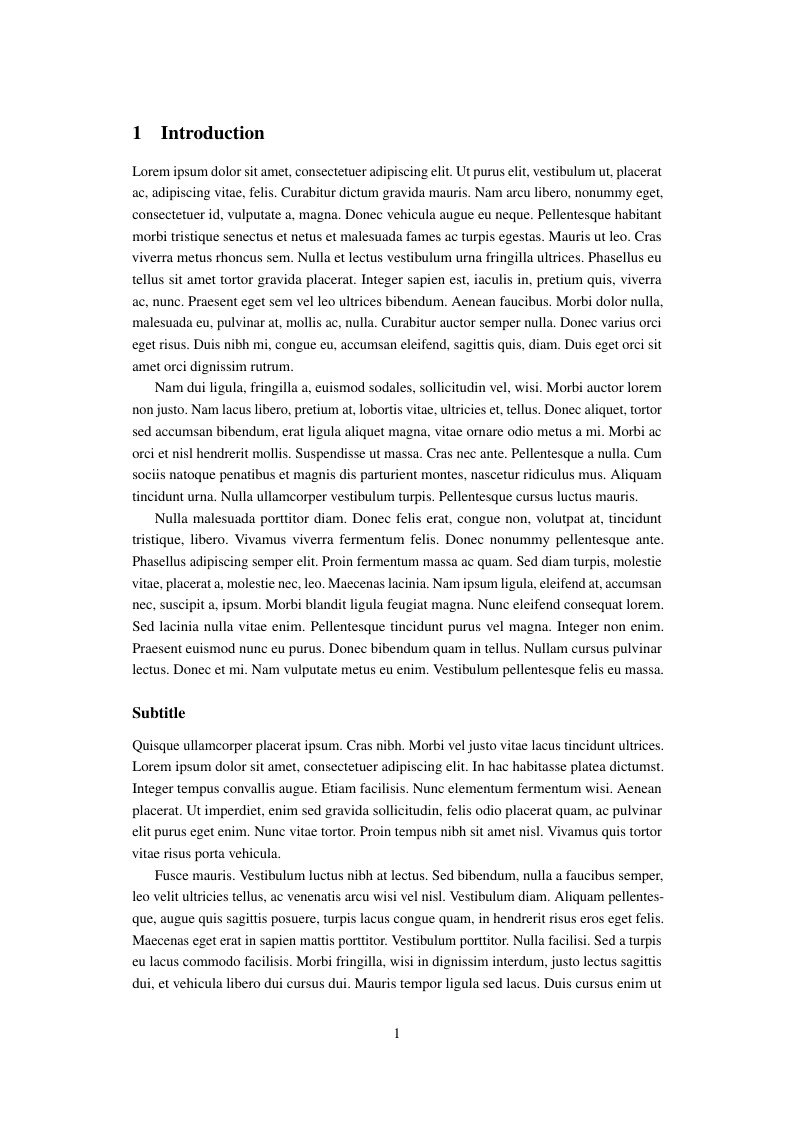
A4 document with page numbering and adjusted margins. Included options for gentium and times font, as well as language.
FAQ & Help
I'm new to Overleaf, how should I get started?
We've put together a short How do I use Overleaf help page to give you pointers on exactly that :)
What's a "Pro" account, and what happens when the promotion is over?
At the end of the promotion, you may choose to continue as Overleaf Pro subscriber (current cost $8/mo), or your account will revert to the Overleaf Free plan. Any data or papers saved in Overleaf will continue to be accessible.
For more information about the different Overleaf plans, please see this page, and if you have any questions about this please let us know.
How do I upload an existing LaTeX project into Overleaf?
Here's an FAQ on how to import existing LaTeX documents into Overleaf.
What packages does Overleaf support?
Overleaf supports the packages listed here.